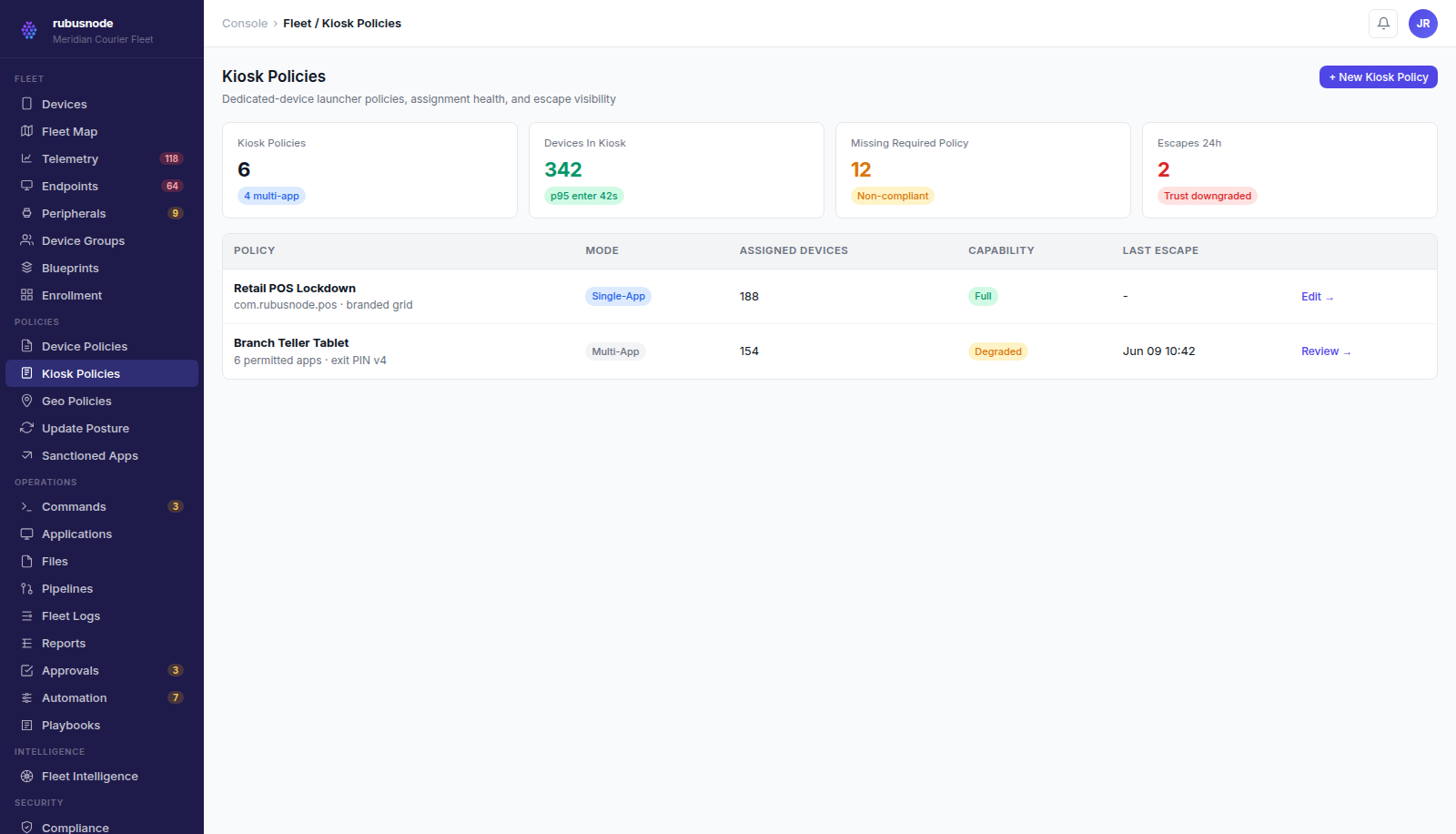
Kiosk policy configuration in the RubusNode console.
Single-app and multi-app lockdown
Kiosk policies restrict a device to one application or a defined set of permitted applications, with a custom launcher, branded home screen, and disabled system UI elements like status bar and navigation.
- Single-app mode for dedicated-purpose devices
- Multi-app mode with a defined permitted app set
- Custom launcher branding per policy
Hardware lockdown and controlled exit
Hardware buttons, USB debugging, and unintended factory resets are locked down under kiosk policy. Authorized exit uses an exit PIN so field staff can recover a device without breaking the lockdown model for everyone else.
Escape detection instead of silent drift
When a device leaves its kiosk configuration — whether from a bug, a hardware issue, or an attempted bypass — RubusNode records the escape event and ties it into compliance-linked recovery, so kiosk drift is visible operational data, not a blind spot.
See how RubusNode fits your endpoint fleet.
Book a walkthrough for this capability and the rest of the platform.