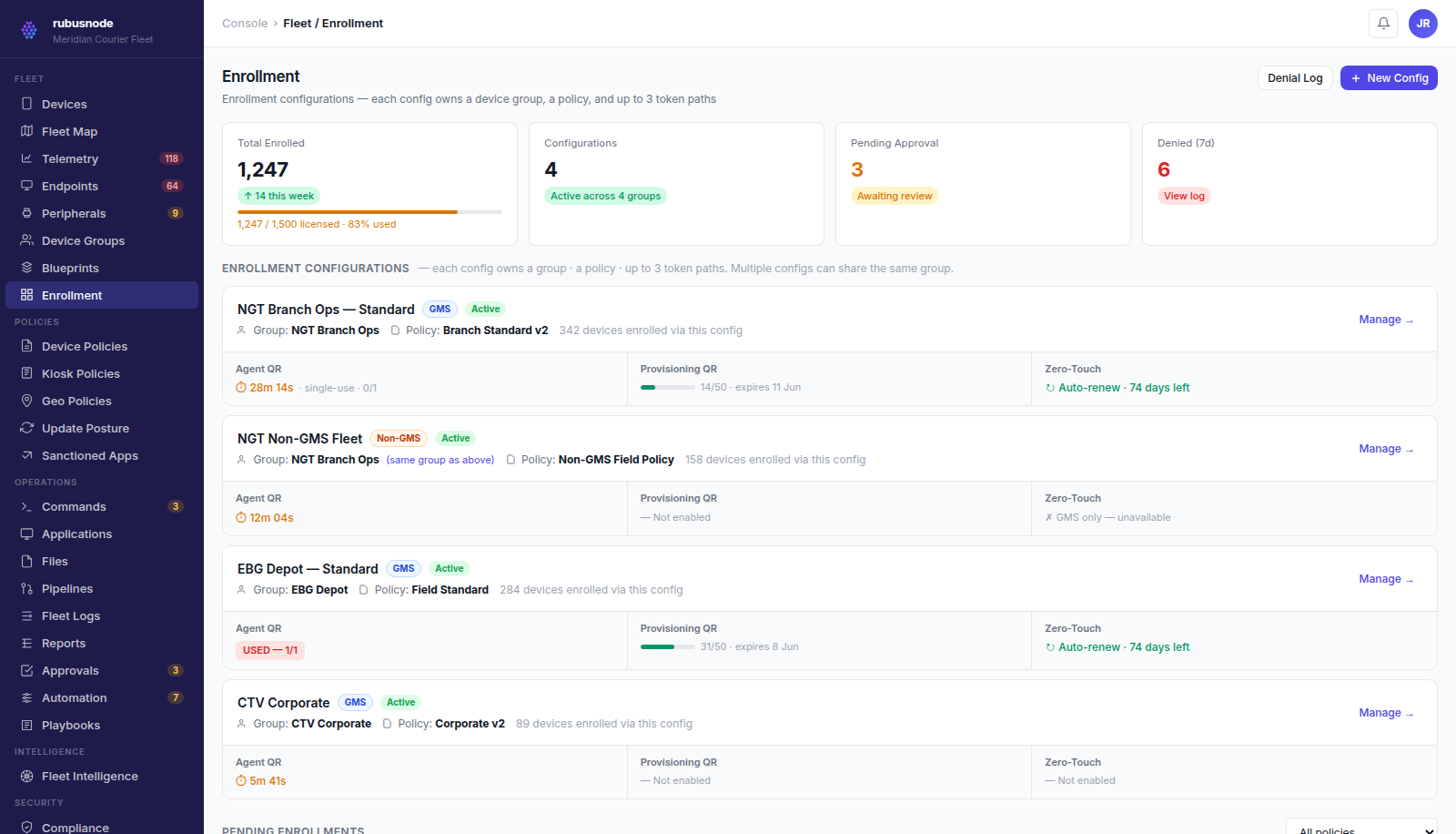
Enrollment configuration in the RubusNode console.
Enrollment matched to the device, not a single flow
GMS devices enroll through QR code, Device Owner provisioning, or zero-touch (OEM/reseller pre-registration for unattended first-boot enrollment). Non-GMS and AOSP devices enroll through the same Device Owner path without depending on Google Mobile Services availability.
- QR and provisioning-QR enrollment for supervised setup
- Zero-touch enrollment for unattended, at-scale rollout
- Device Owner mode for GMS, Non-GMS, and AOSP devices
- Shared device pool enrollment for check-in/check-out fleets
Capability-aware from the first check-in
RubusNode detects what a device can actually support at enrollment time — GMS availability, Device Owner status, and OS version — and gates policy and command availability accordingly, so operators never issue a command a device cannot execute.
Lifecycle and inventory, not just a device list
Every enrolled device carries full inventory (model, OS, IMEI, policy assignment, trust signals) and lifecycle state (active, retiring, wiped, recovered), with recovery and inventory evidence available for audit.
- Full device inventory with policy and trust context
- Lifecycle states from enrollment through retirement
- Recovery workflows for lost, wiped, or reassigned devices
Common questions
What happens if a device loses GMS availability after enrollment?
RubusNode re-evaluates capability at check-in, so policy and command availability adjust automatically instead of silently failing.
Can devices move between shared pools and dedicated assignment?
Yes — shared device pool assignment and dedicated ownership are both lifecycle states RubusNode tracks explicitly.
See how RubusNode fits your endpoint fleet.
Book a walkthrough for this capability and the rest of the platform.